Guide
Files
the assistant attaches.
The assistant may attach to a draft only files you upload here, and only when they fit by what you write about them. You see the attached file in the draft before you send it.
Before you start
- Editor or owner roleThe assistant's owner and editors can upload and disable attachments.
- A docx, xlsx or pdf fileUp to 3 MB.
Step 1 of 5
Files for drafts
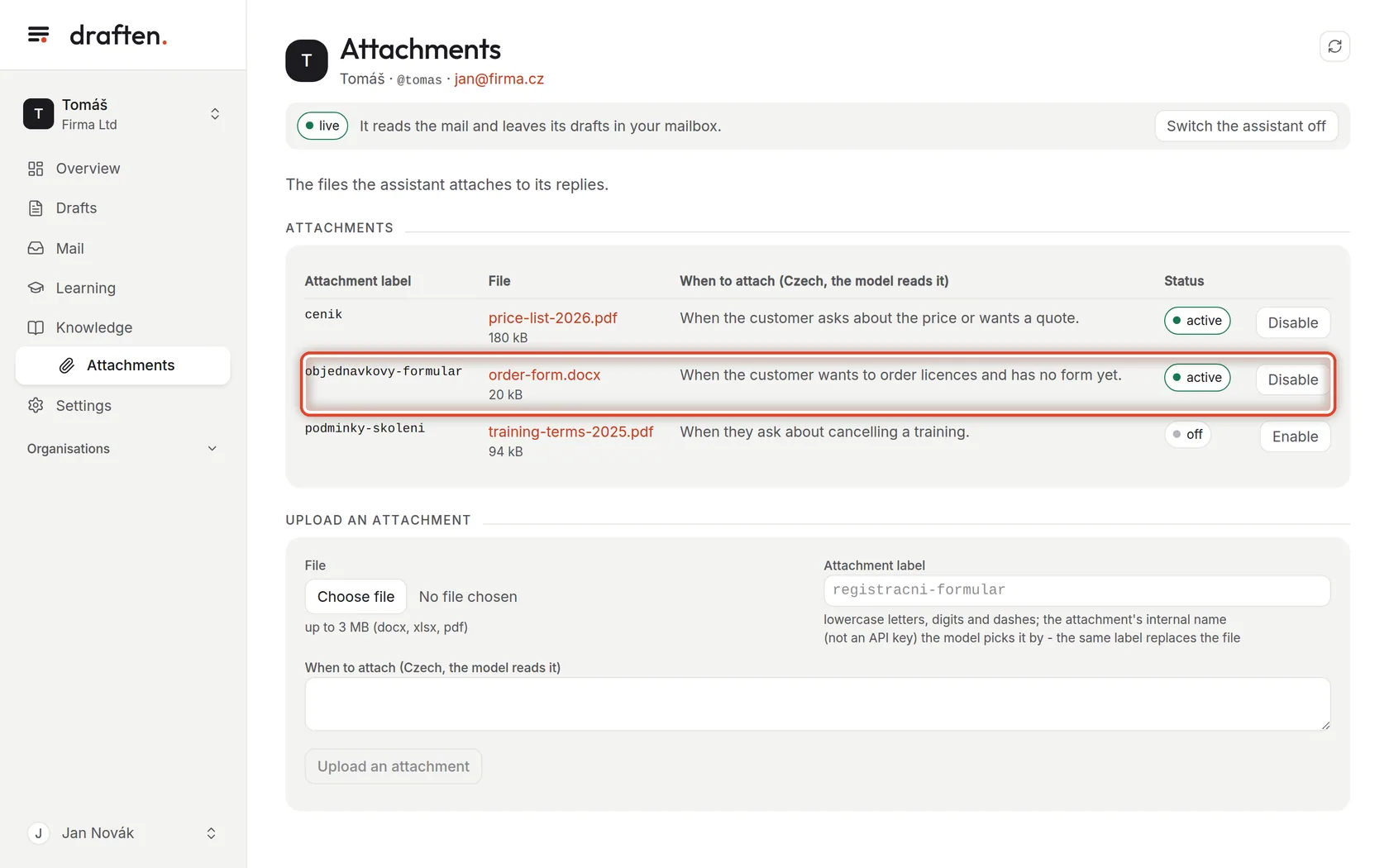
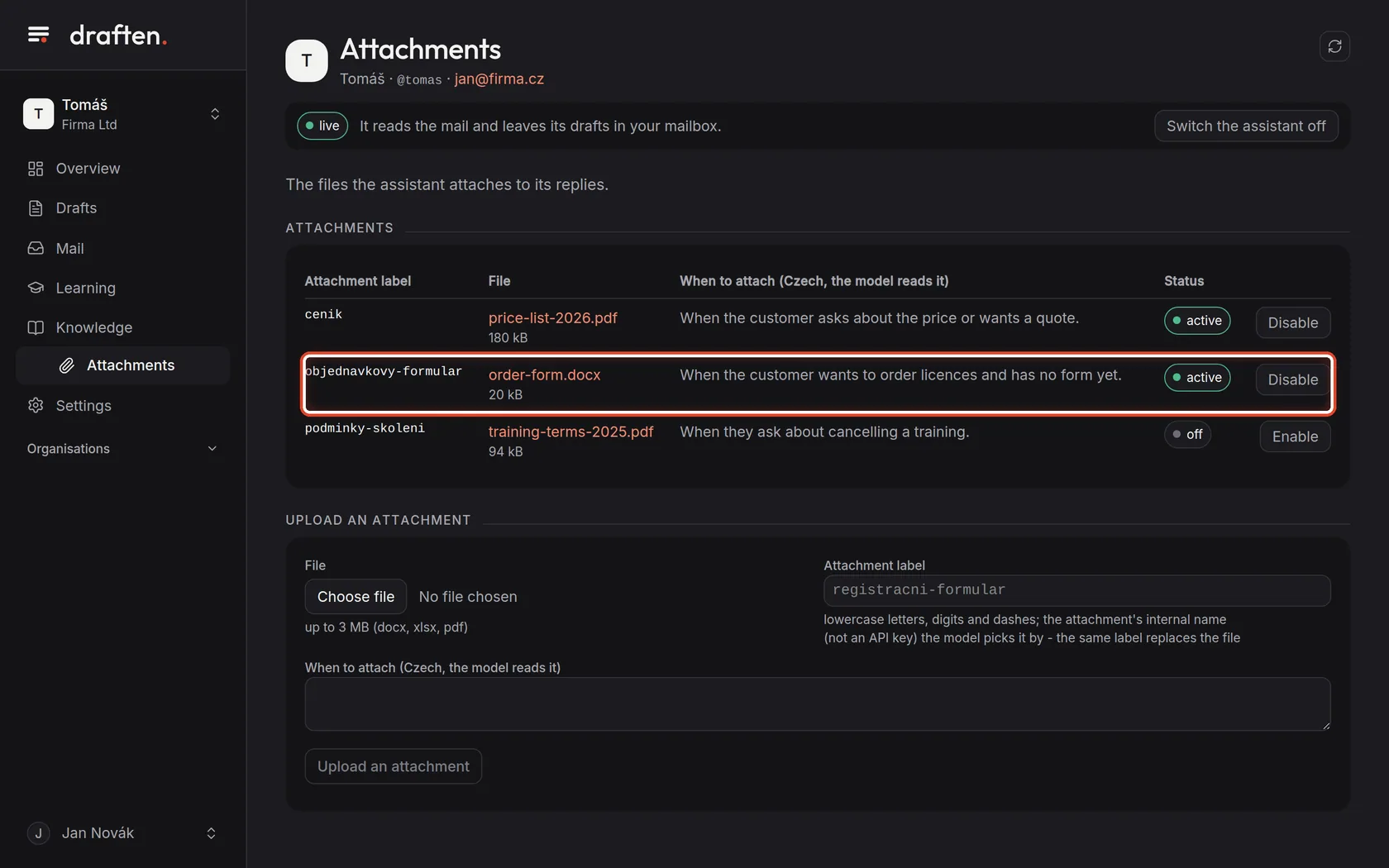
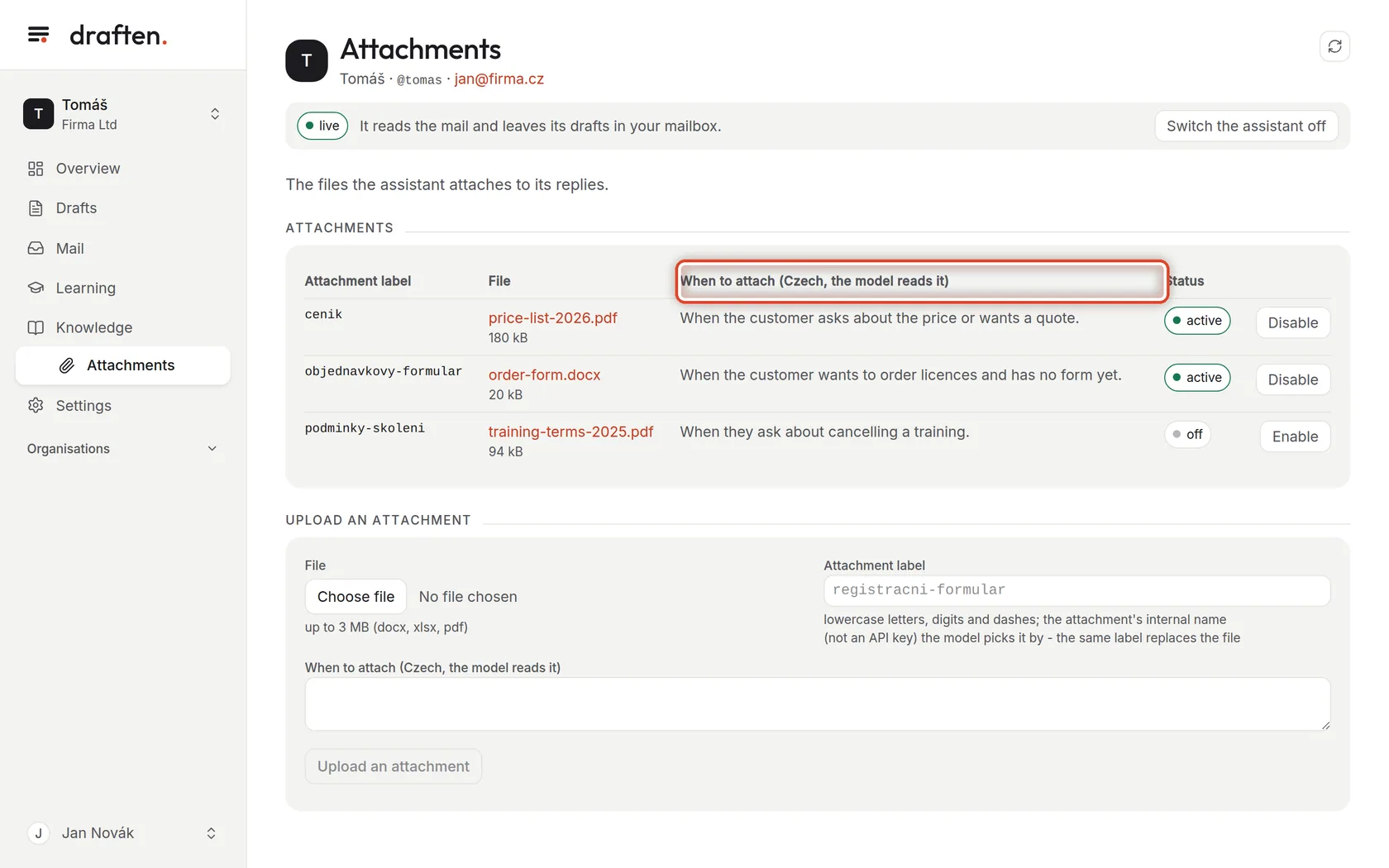
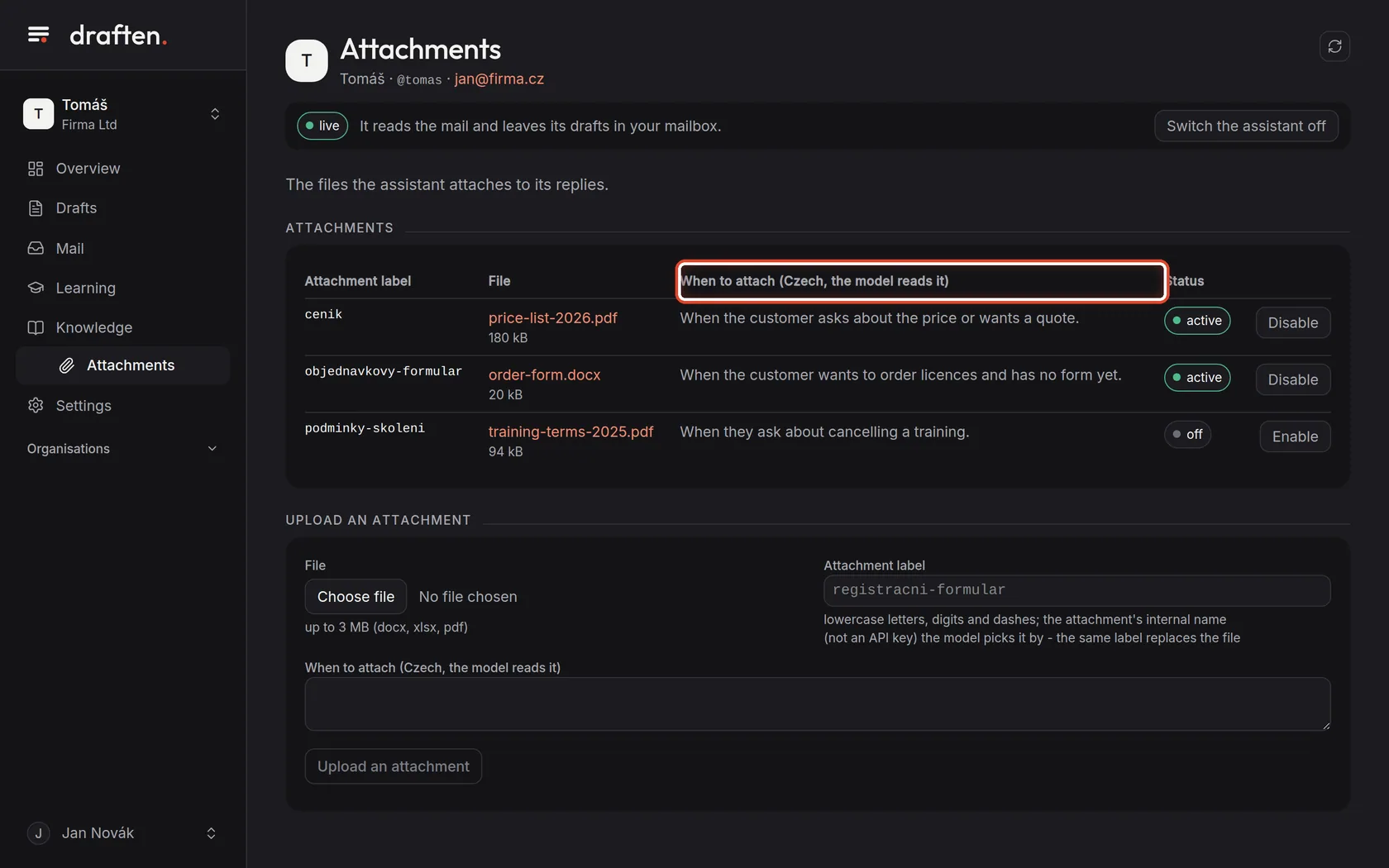
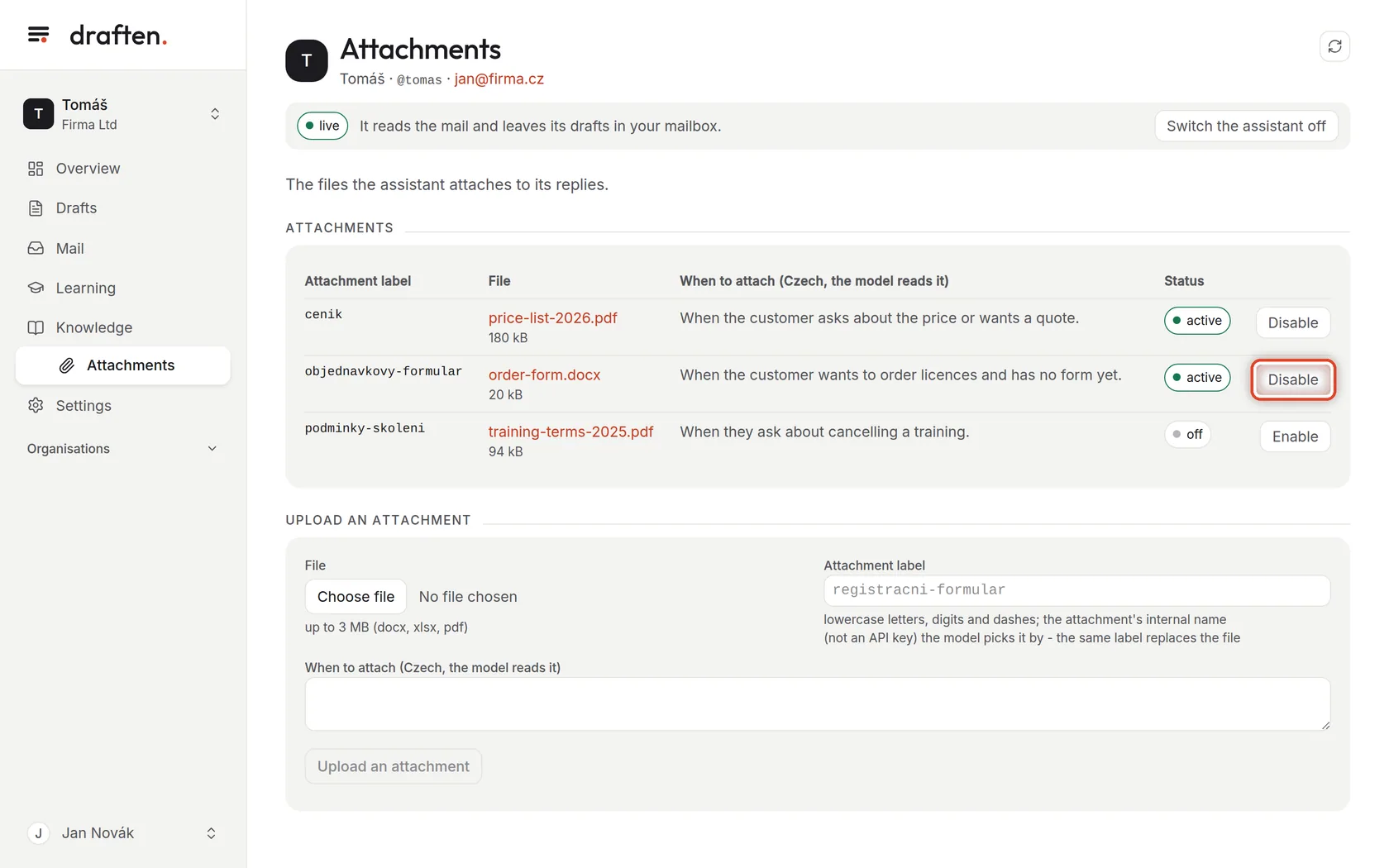
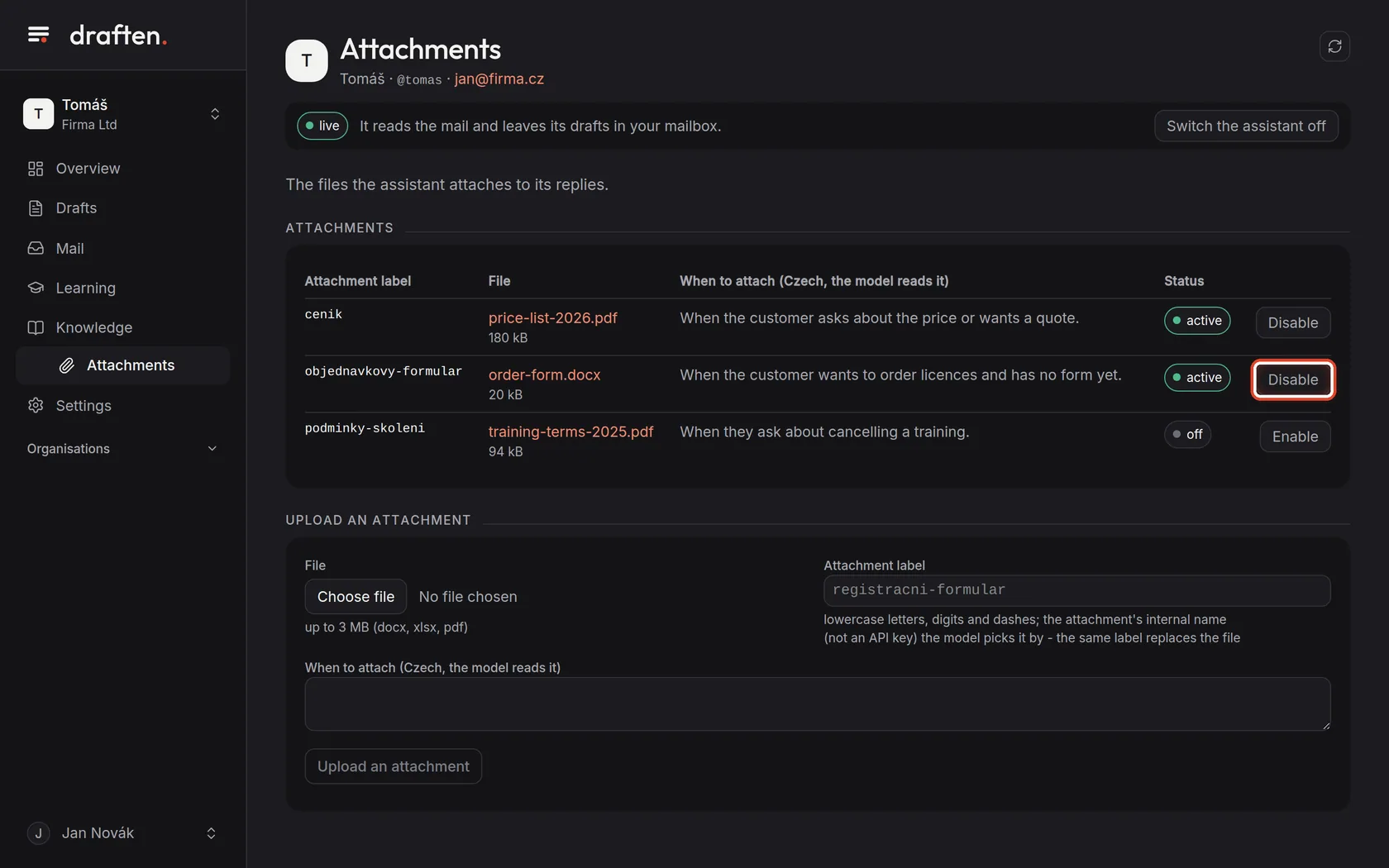
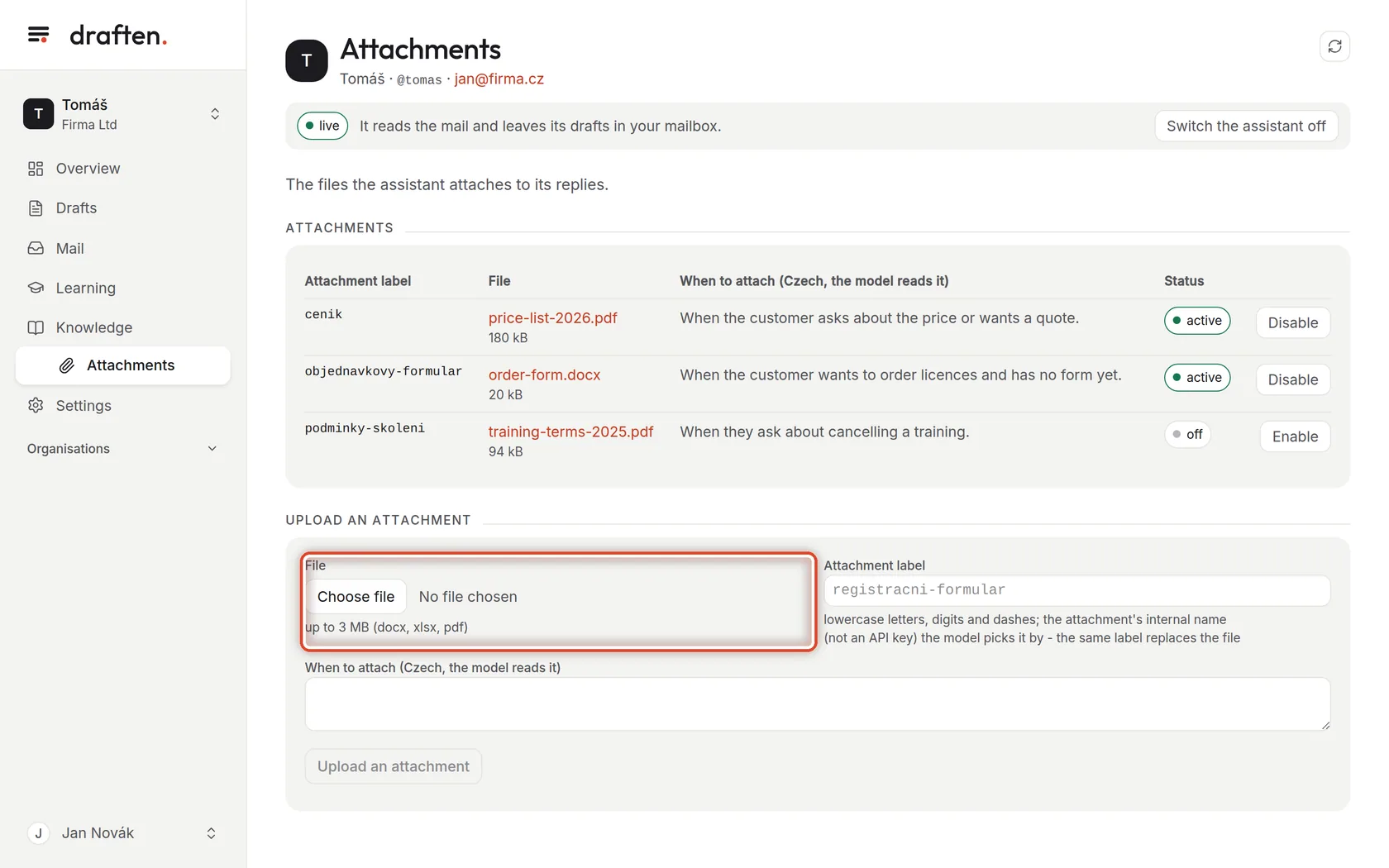
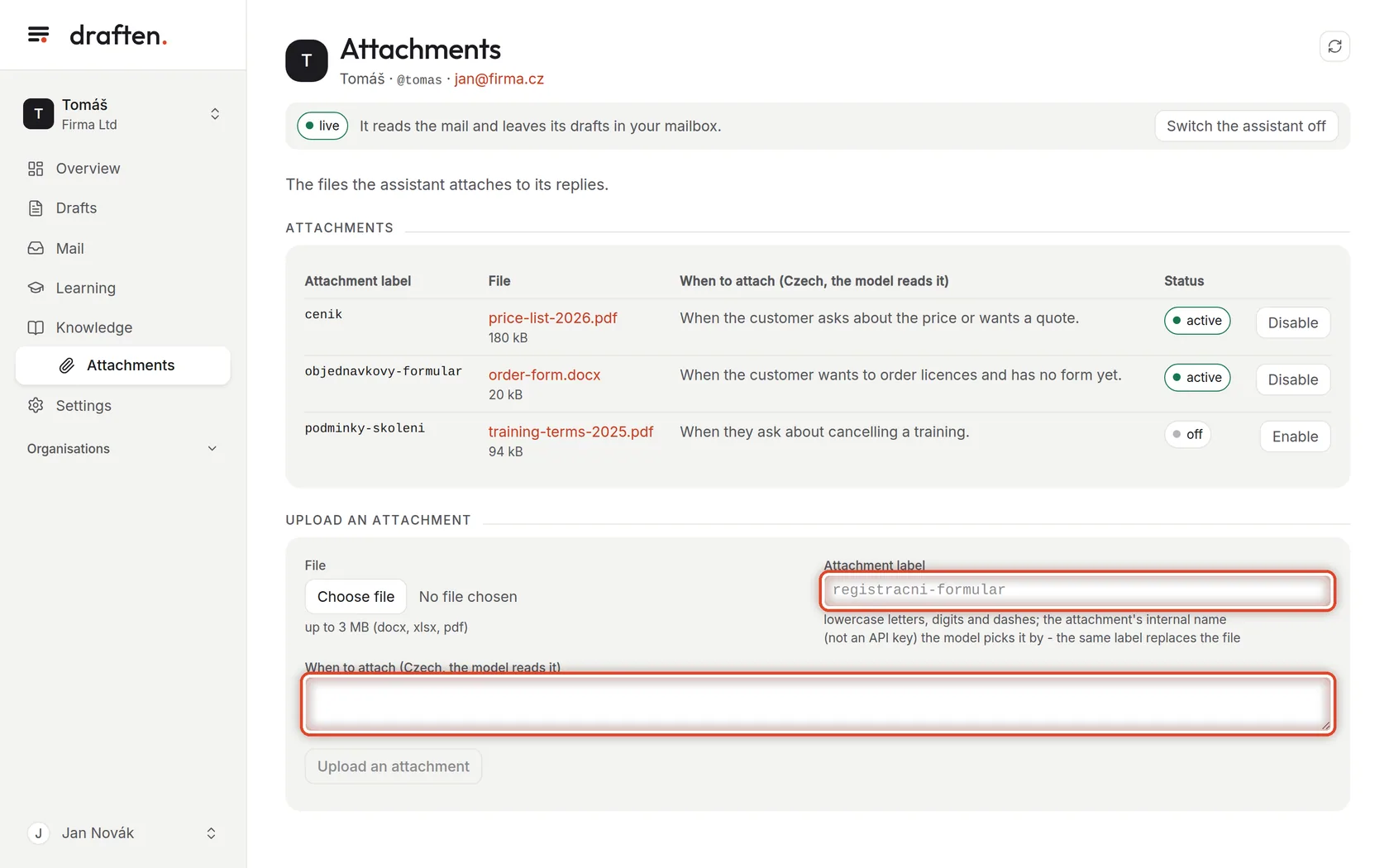
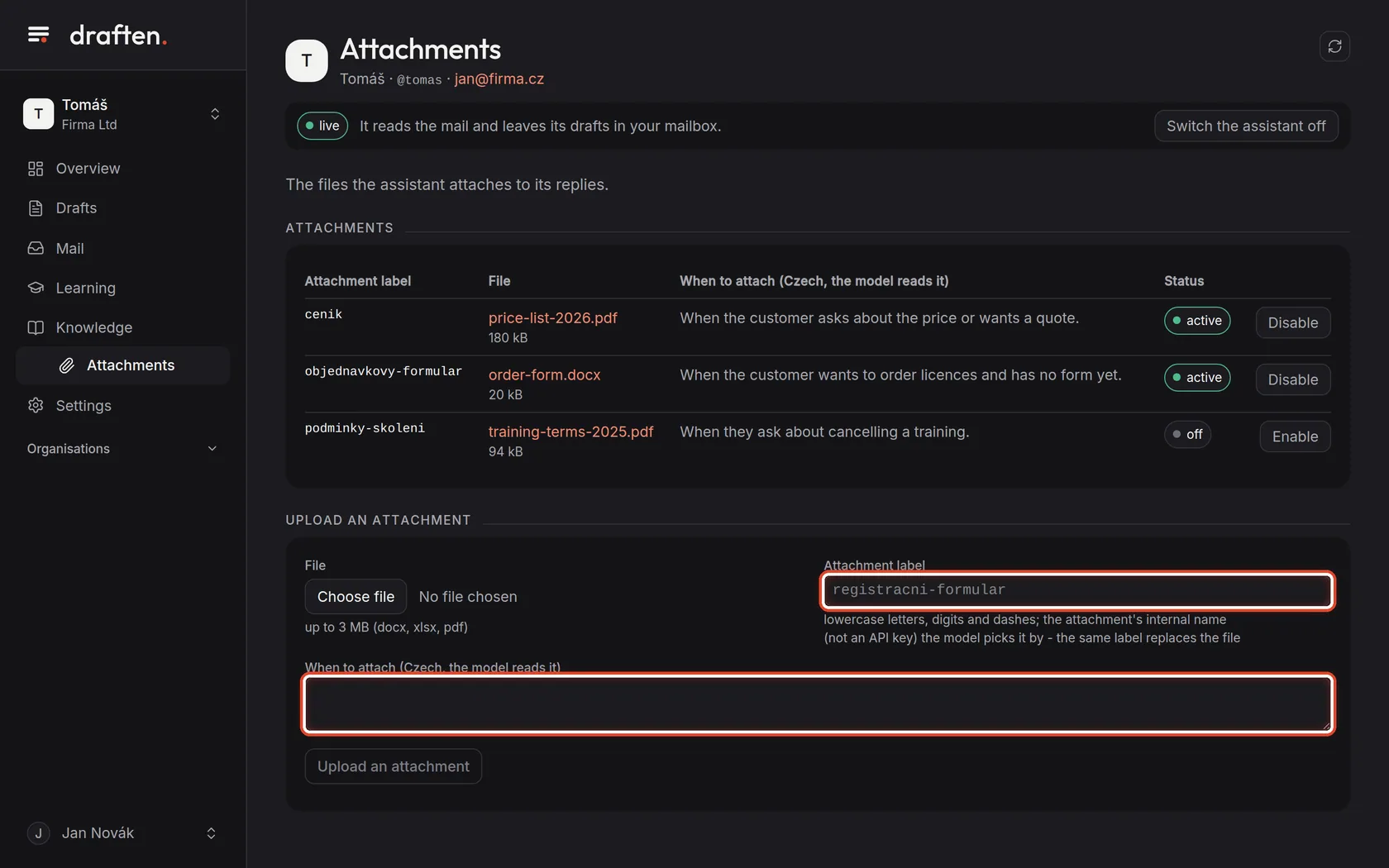
On the screenIn Knowledge → Attachments, a list of files.
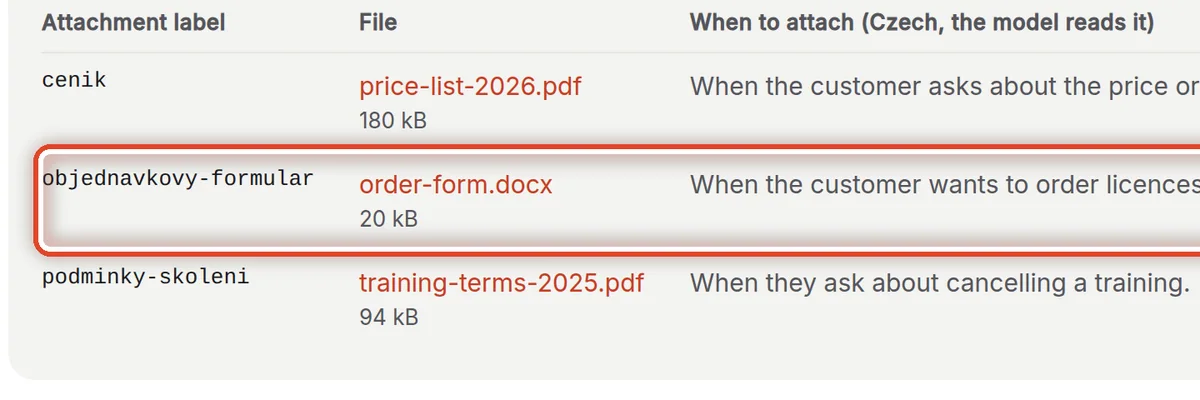
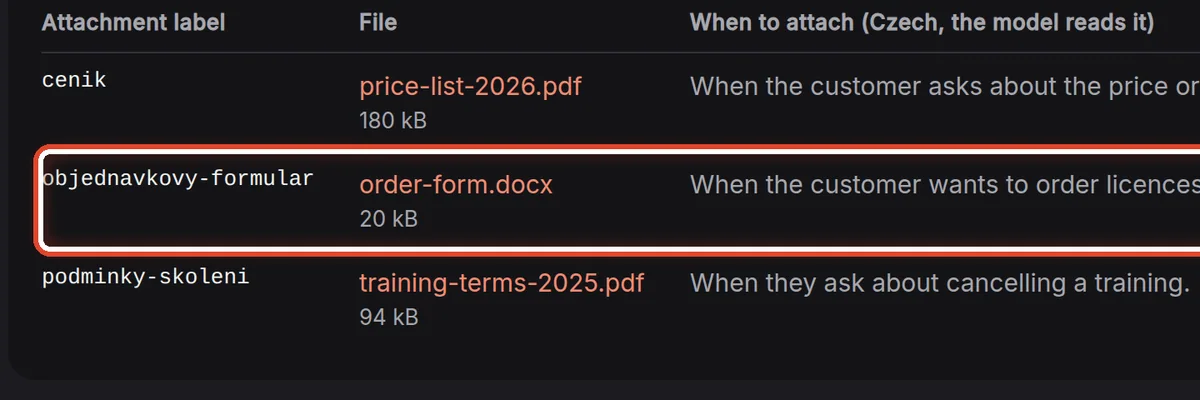
Do thisThese are the files the assistant may attach to a draft — a price list, an order form, terms. It never attaches anything else: an attachment not on this list does not get into a draft.
Step 2 of 5
When to attach
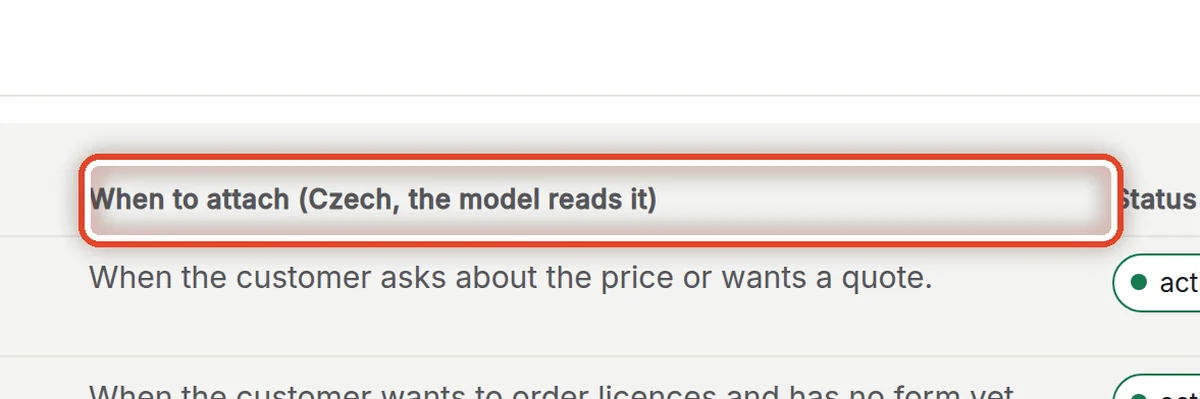
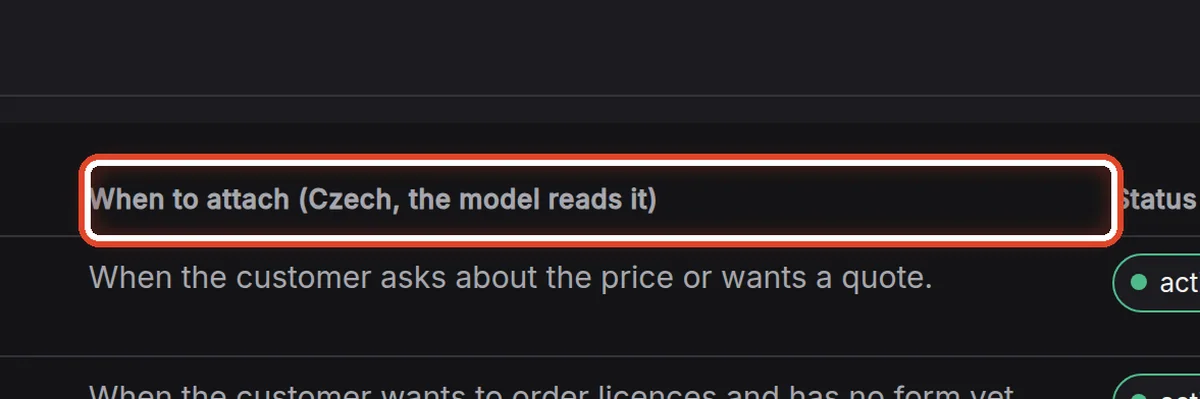
On the screenThe When to attach column.
Do thisThis sentence is how the assistant knows which reply the file belongs to. Be specific: "When the customer wants to order licences and has no form yet."
Step 3 of 5
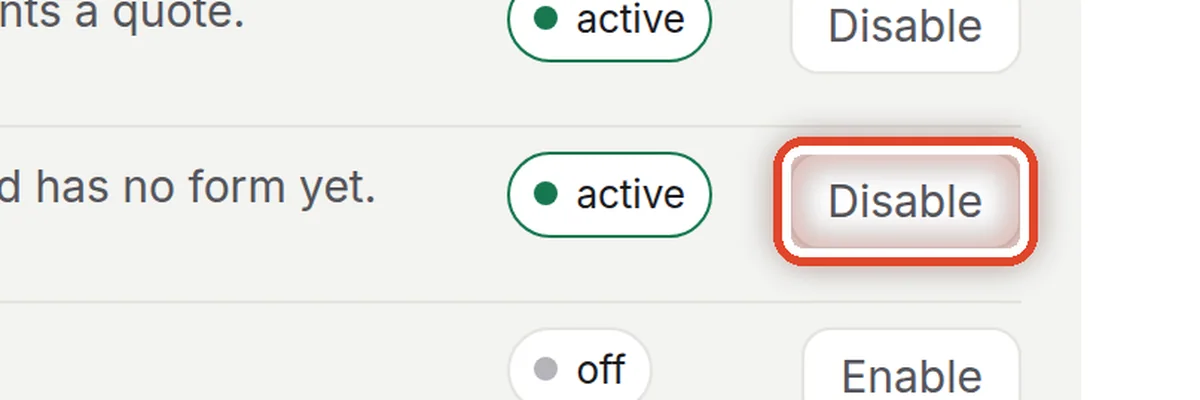
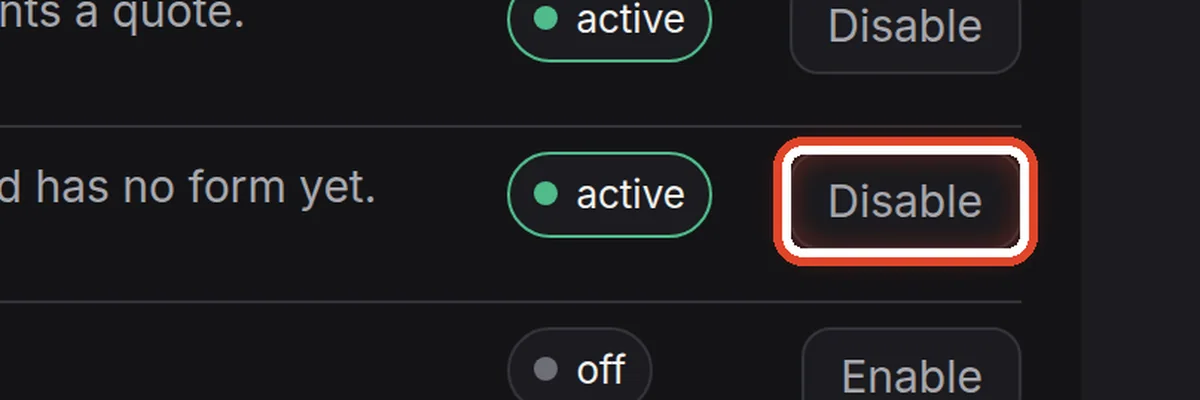
Disable and enable
On the screenIn the row, the Disable button (Enable for a disabled attachment).
Do thisThe assistant does not attach a disabled file, but it stays saved — useful for a file that does not apply for a while.
Step 4 of 5
Upload an attachment: the file
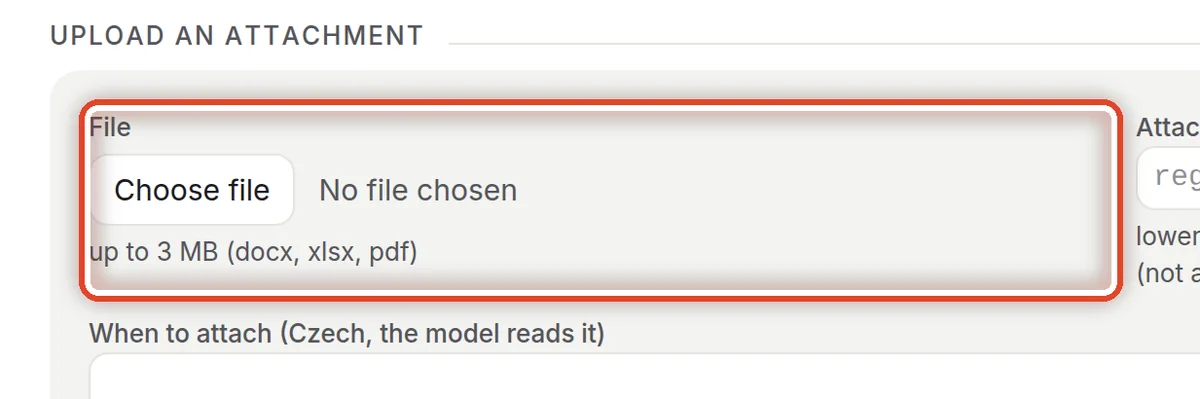
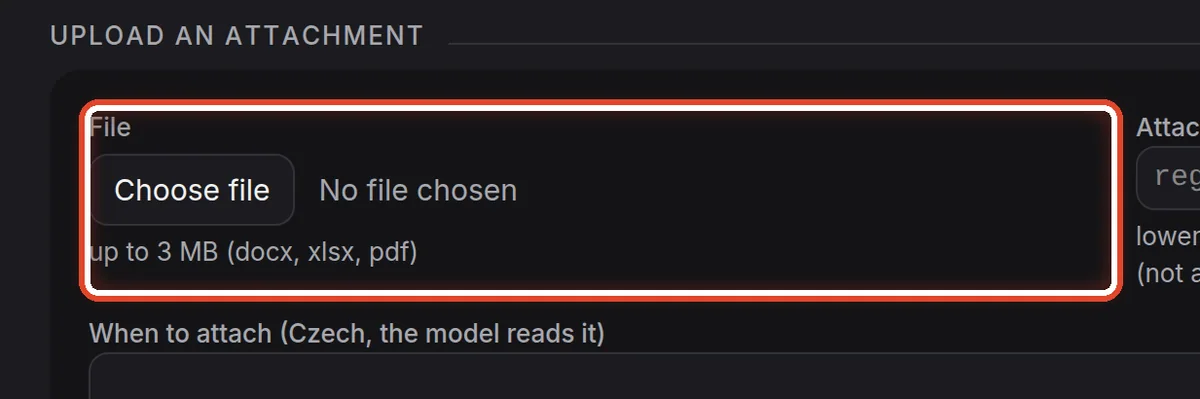
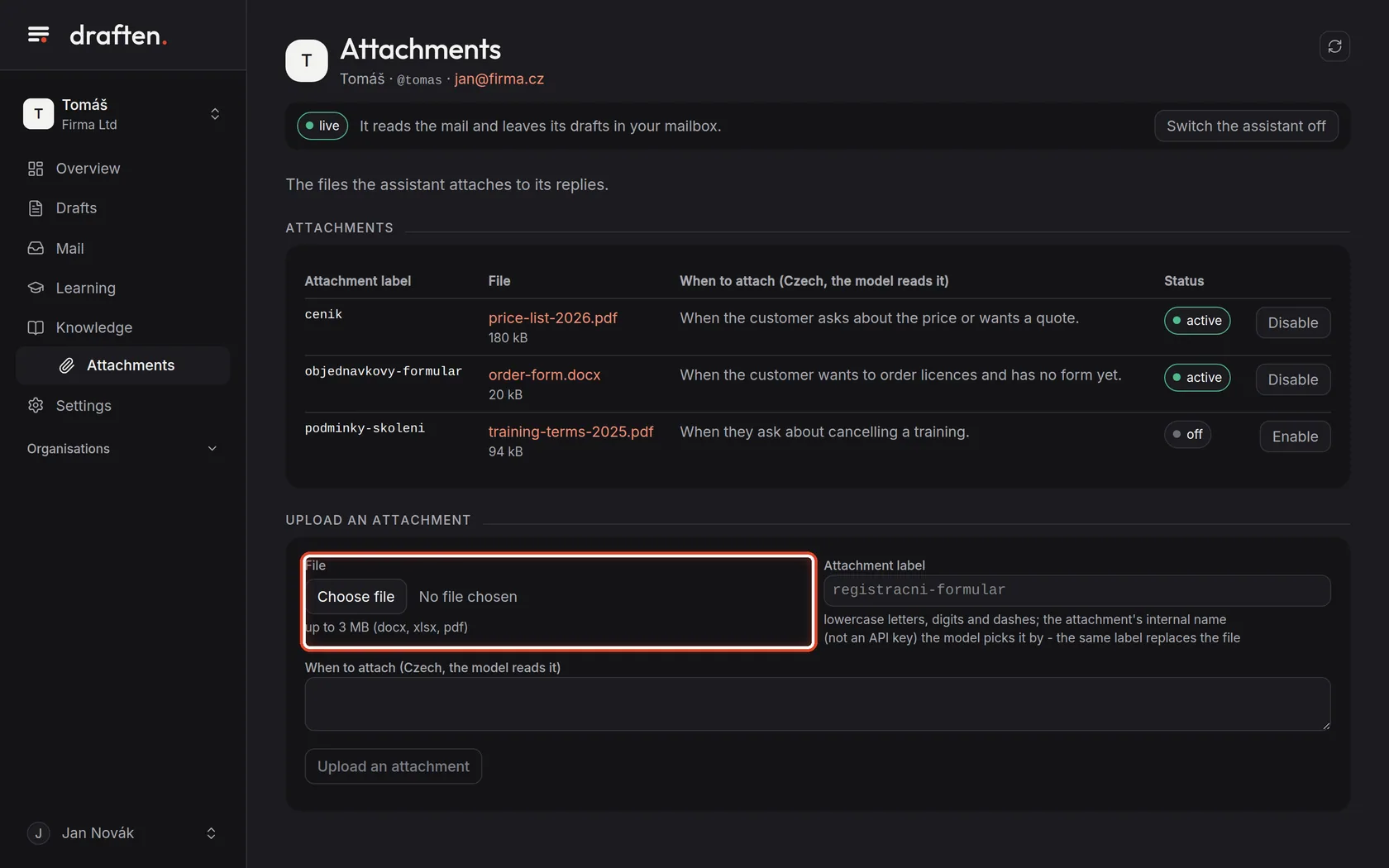
On the screenAt the bottom, the Upload an attachment card with the File field.
Do thisClick Choose file and pick a file — docx, xlsx or pdf up to 3 MB.
Step 5 of 5
Label and When to attach
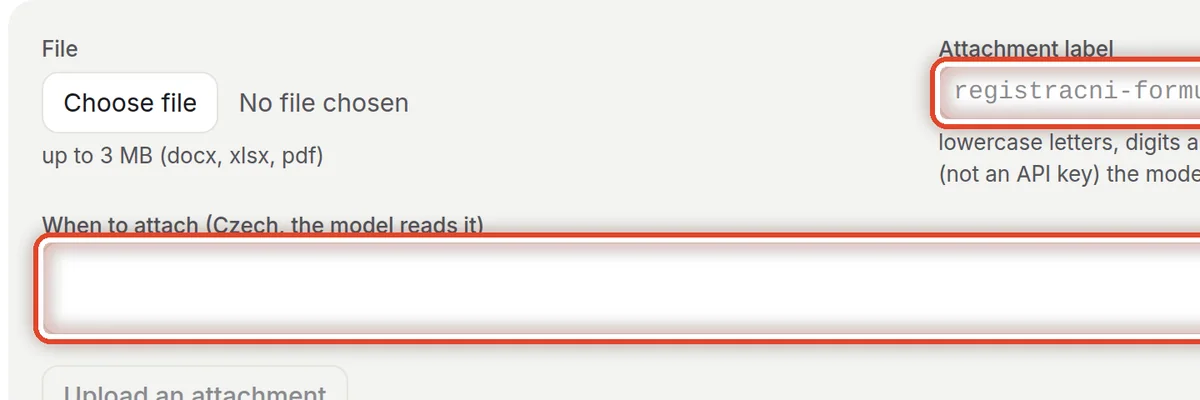
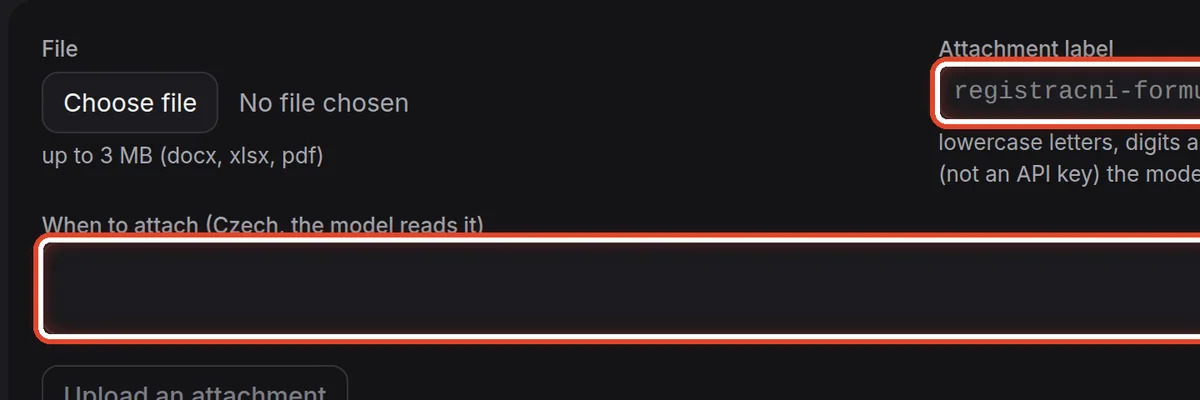
On the screenThe Attachment label and When to attach fields.
Do thisThe label is a short name in lowercase with dashes, such as order-form. In When to attach, write which replies the file belongs to. Then click Upload an attachment.
NoteA new file under the same label replaces the old one — that is how you update the price list without touching the instructions.
The end
The assistant knows what to attach
When a draft attaches the wrong file, change the When to attach sentence — not the instructions.
- Attachment or knowledge source?An attachment goes to the customer. What the assistant should only read and know belongs in Knowledge sources.
- Checking a draftA draft's attachments are in its detail, in the Attachments card.